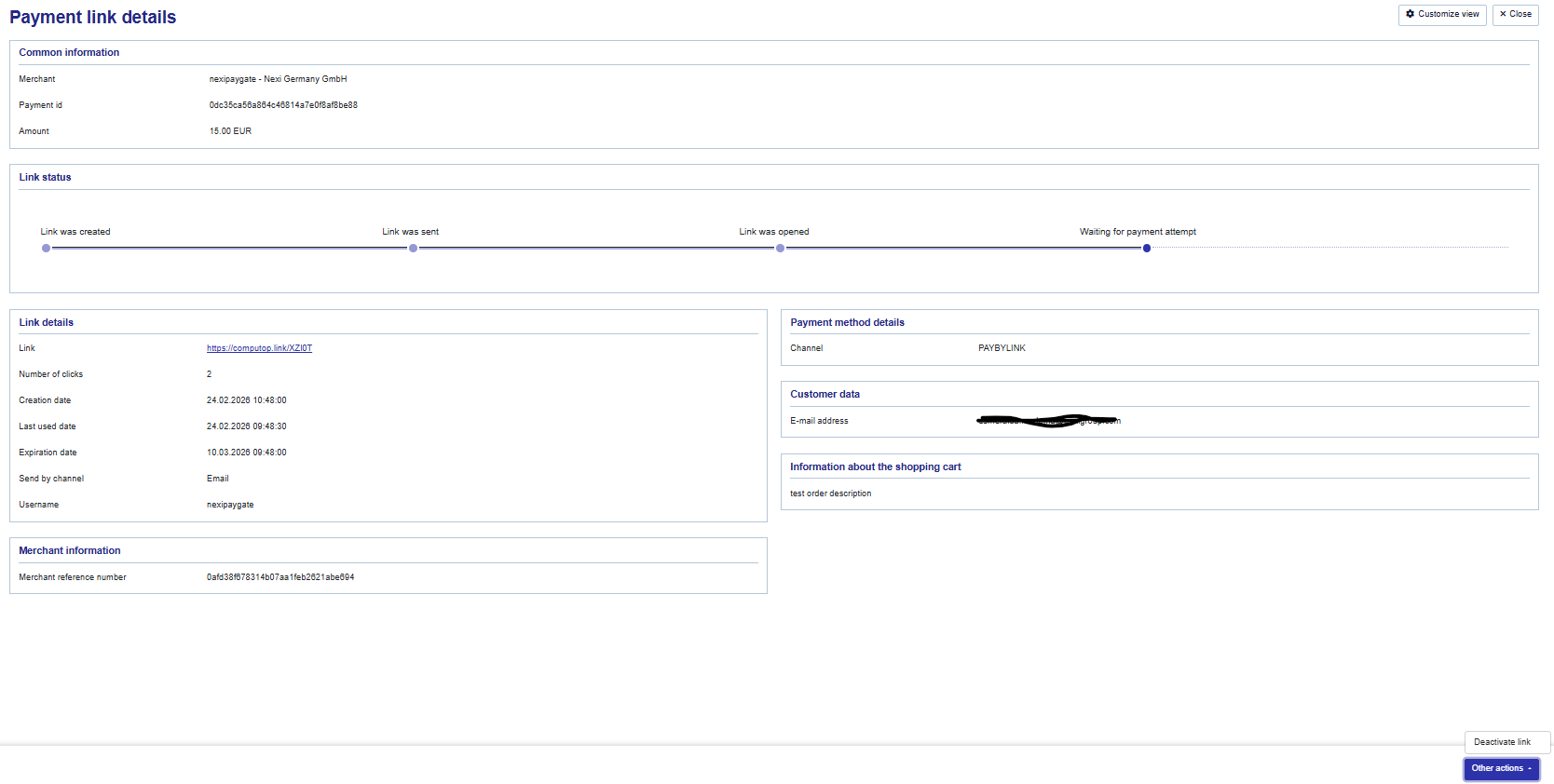
PayByLink allows merchants to create a payment link and either let it be send directly to the customer, or a link can be generated and be used in your own preferred communication tool.
There are two types of links that can be created: One time payment and Tokenization. Please be aware that when the option "Tokenize" is selected, only the card details will be stored, no transaction will take place.
Below you will see an example of the screen to create the required link. All mandatory fields are highlighted in yellow below.
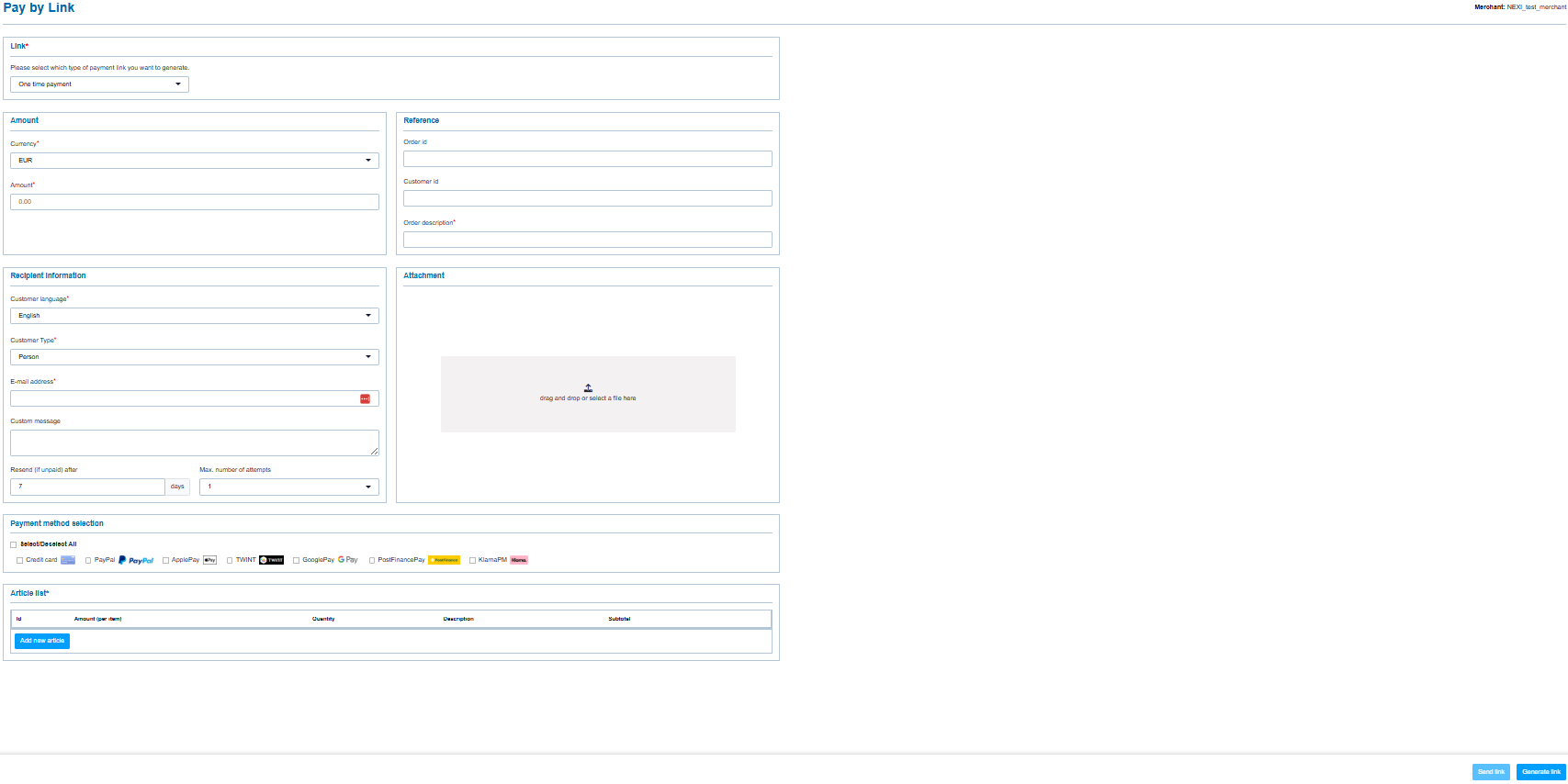
Payment methods:
The payment method selection option will allow you to select which payment methods you would like to offer in the PayByLink request. You will see only the payment methods that are active on your account.
Languages Supported:
The emails towards the consumers can be send out in the following languages, depending on the languages activated on your account:
-
German
-
English
-
French
-
Italian
-
Dutch
-
Spanish
-
Danish
-
Swedish
-
Norwegian
-
Finnish
Styling options payment request email:
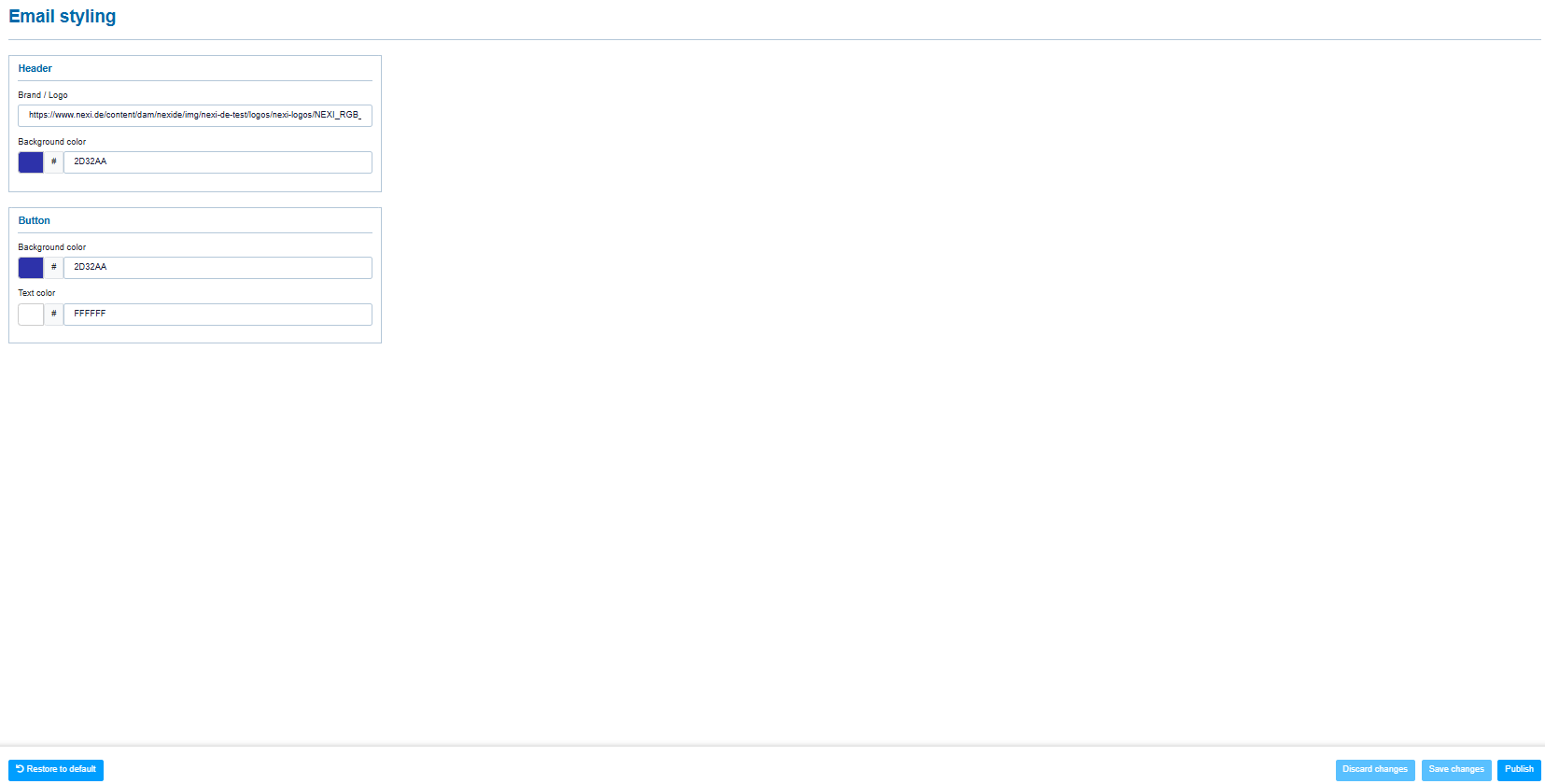
By default, a mail template is offered with Nexi logo and Nexi blue color scheme and includes a payment button and QR code by default. When you would like to adjust the template with your own logo and color scheme, you need to go to the menu Branding styling → Email styling.
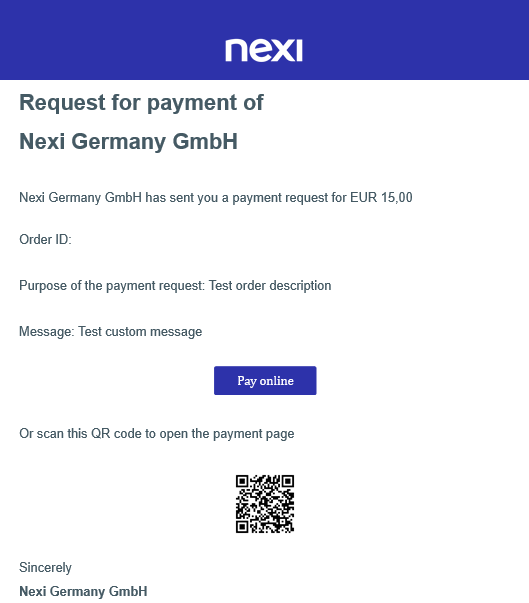
By default the email will contain a payment button and a QR-Code which the consumer can scan to perform the payment or to tokenize the card details.
Generate Link functionality
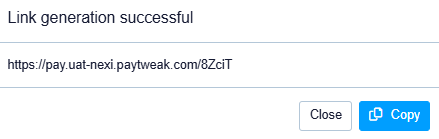
When you select the "Generate link" function, you will be able to copy the link and insert it in your own e-mail software and send it out in your own desired layout.
E-mail confirmations towards Merchant
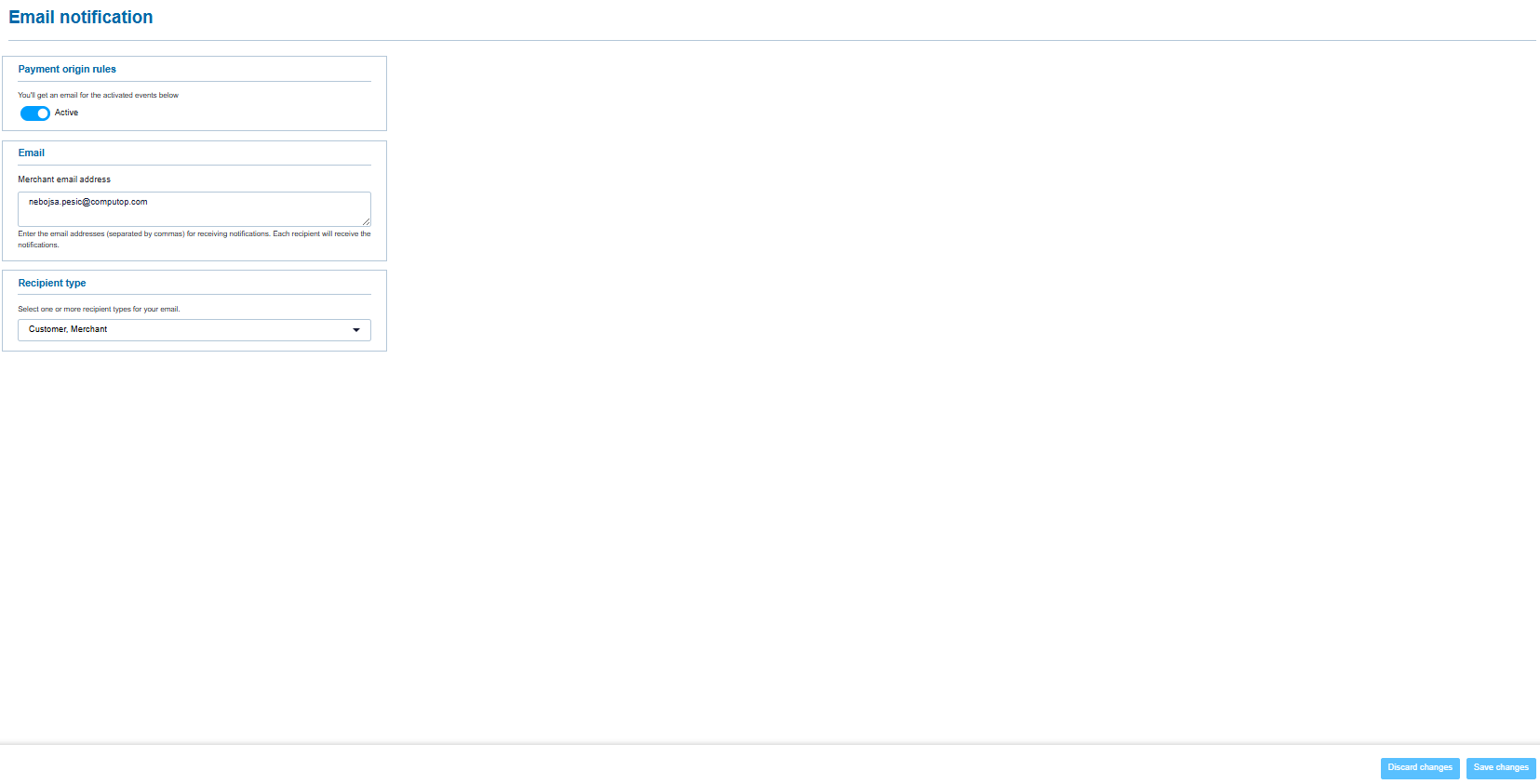
Although it is ECOM standard to provide a transaction update via Webhooks, it is also possible to send e-mail confirmations to the merchant once the transaction is processed. You can activate and configure the confirmation e-mails in the menu Administration → Email notification:
Consult transactions
Once a link is created and send to the customer, you can consult the transaction in the Merchant Portal via View Operations → Payments → Pay by Link. There you can also filter based on the transaction status as well.