
You can use the tab "Fraud prevention" → "Black list" to search for and filter blacklisted card, account or device data. It allows you to set filters for the time period and the blacklisting characteristics. Furthermore, you can also blacklist specific card, account or device data in the application to protect yourself for payments with fraudulent card, account or device data. You have the option to open a detailed view of all blacklisted card, account or device data in the detailed view of the list entry in order to obtain all information about the blacklisting characteristics.
Deleting list entries
You cannot delete list entries. To have list entries deleted, please contact NEXI Helpdesk.
You can override blacklisted card, account or device data by switching the status of the list entry to inactive.
Overview of the search criteria
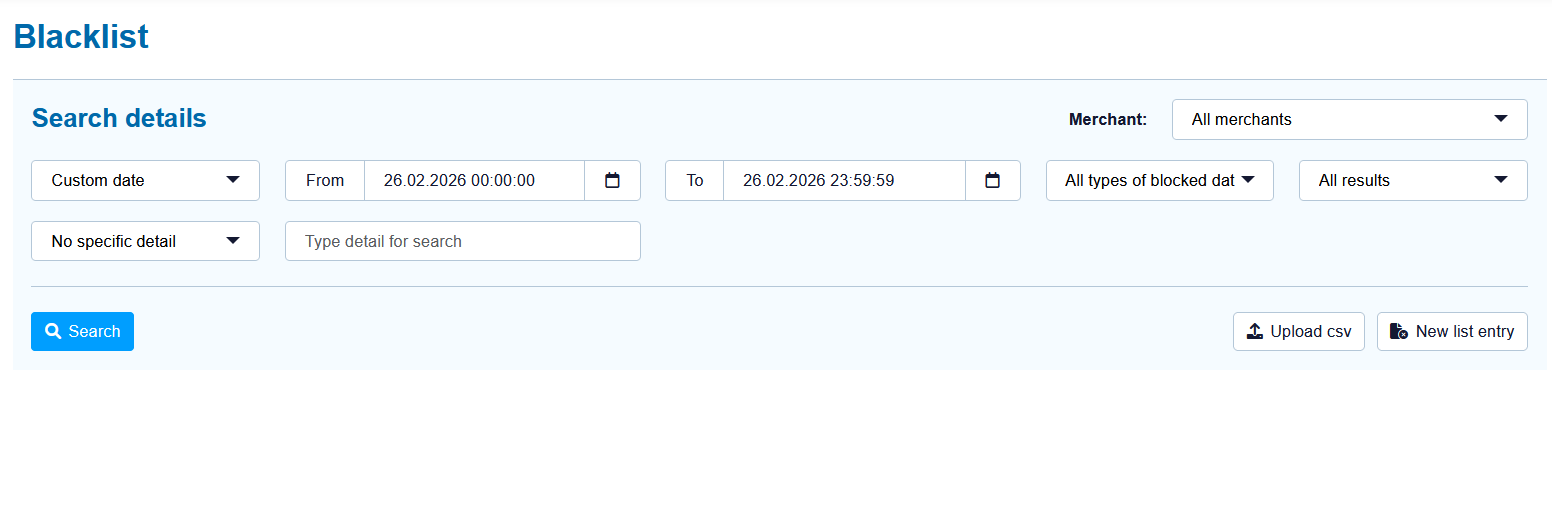
When you click in the input fields for the date, a calendar opens in which you can select a date. When you click in the input fields for the time, you can define a time for the search.
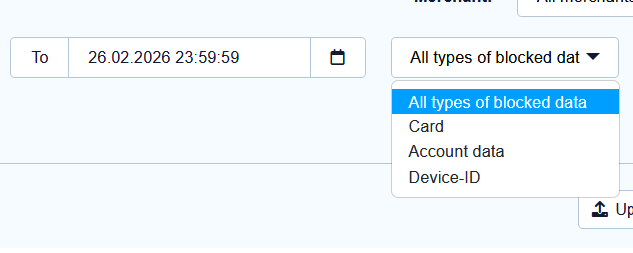
Selecting the type of blacklisted data
Descriptions of the types of blacklisted data can be found in the "All types of blacklisted data" table below.
|
Type of blacklisted data |
Description |
|---|---|
|
Card |
Blacklisted credit cards |
|
Account data |
Blacklisted account data |
|
Device ID |
Blacklisted device ID of a device |
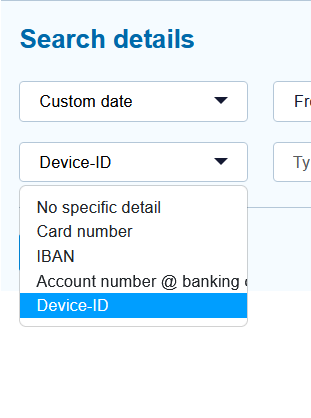
Selecting specific details
Descriptions of the specific details can be found in the "Specific details" table below.
Input field next to the drop-down "No specific detail" menu.
The input field next to the drop-down "No specific detail" menu allows you to narrow the search to a character string. The character string that is entered depends on the specific detail selected in the drop-down "No specific detail" menu.
|
Specific detail |
Description |
|---|---|
|
Card number |
The card number is the number on the bank card that allows a unique assignment |
|
IBAN |
An IBAN is a standardised international bank account number and is used to identify a bank account. The IBAN is comprised of the bank code, the previous account number, the country code (DE for Germany) and the two-digit validation code. |
|
Account number @ bank code |
The account number is a country-specific number and is used to identify a bank account. The bank code is a reference number used in Germany and Austria, which allows unique identification of the credit institute. |
|
Device ID |
The device ID is the ID of the device in the application, which allows a unique assignment of the end device |
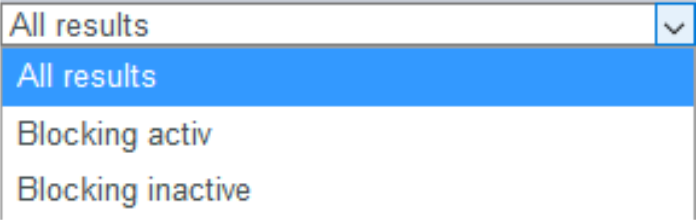
Selecting the status
Descriptions of the statuses can be found in the "Status" table below.
|
Status |
Description |
|---|---|
|
Blocking active |
Blacklisting is active |
|
Blocking inactive |
Blacklisting is inactive |
Opening the detailed view of a list entry
You can open the detailed view for every list entry in the search results. More information about the blacklisting characteristics are shown to you in the detailed view. Moreover, you can switch entry in the black list to inactive in the detailed view of the list entry.
Proceed as follows to open the detailed view of the list entry:
-
Activate values in the selection fields.
-
Click on the "Search and Filter" button.
→ The application verifies the values entered. If the values are invalid, a message showing the reason why will appear in red. If the values are valid, the search results will be shown.
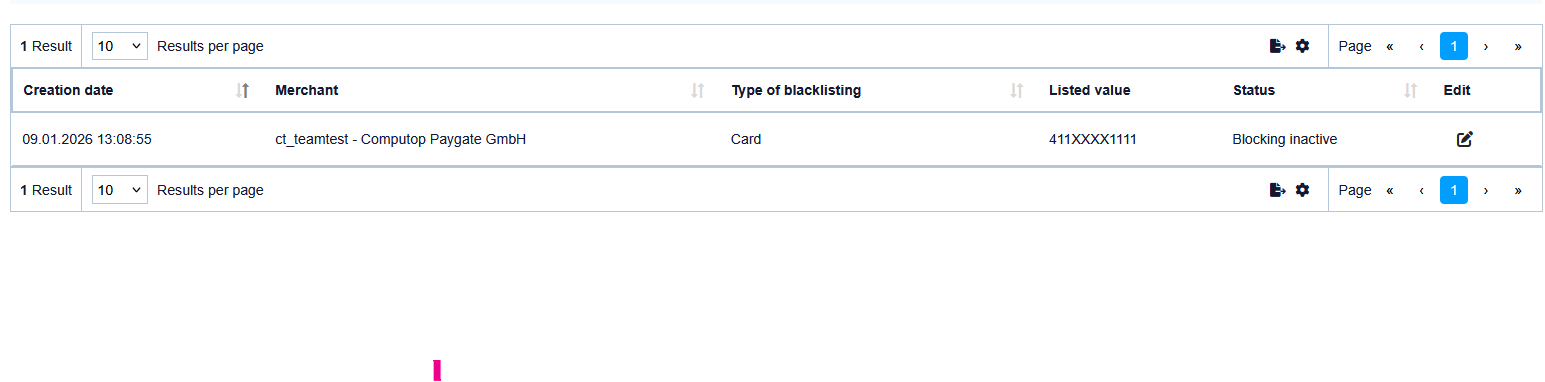
Switching blacklisted card, account or device data to active/inactive
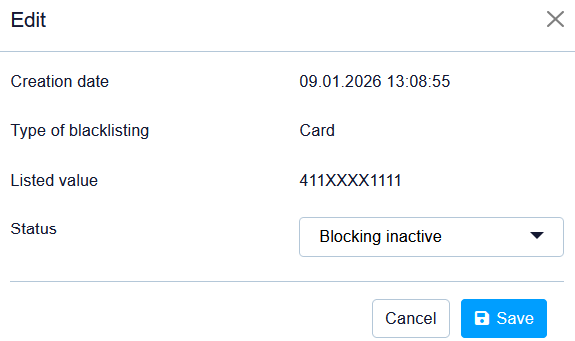
You can deactivate blacklisted data, or activate them again, at any time.
Click on the edit icon and the detail view opens up and you can change the status through status dropdown.
Exporting search results
You can export the search results as an Excel file for further processing by clicking on the

on top of the grid.